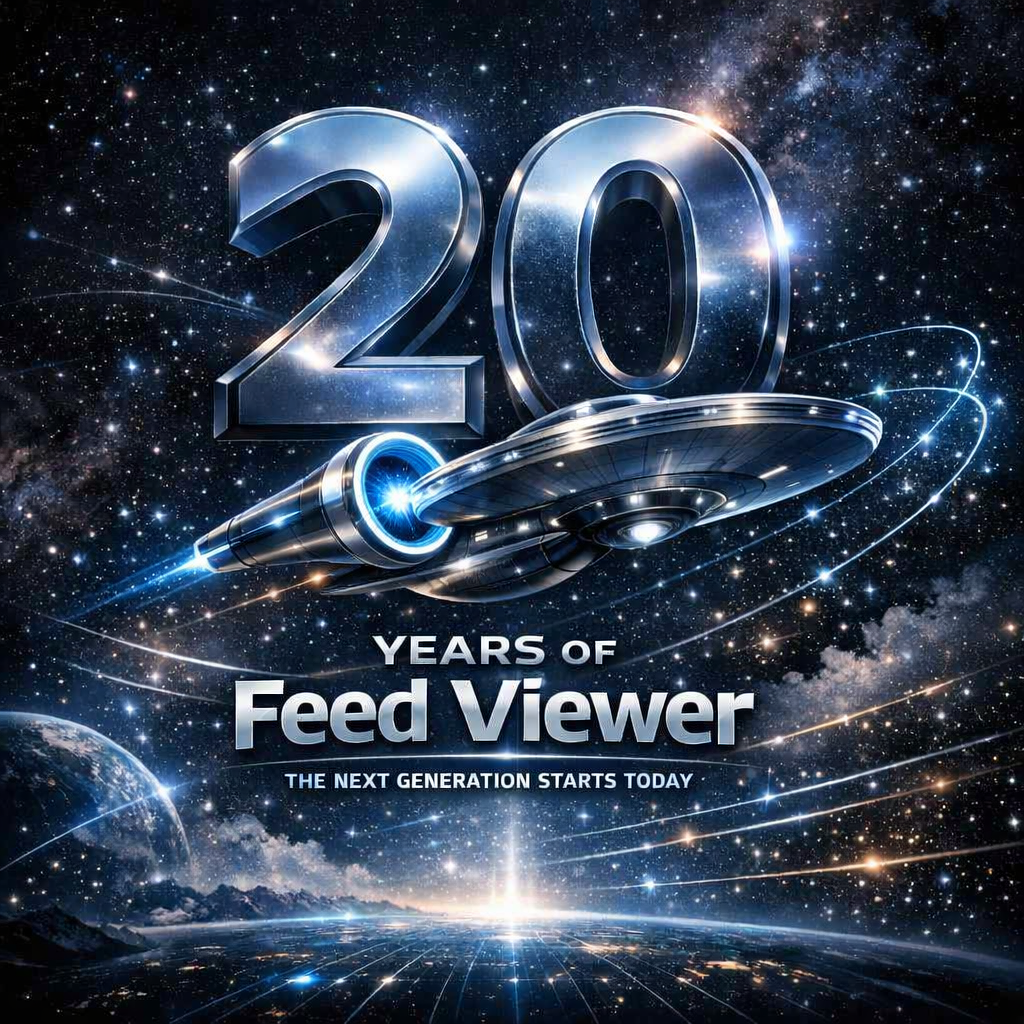
20 Years of Feed Viewer – And the Start of a New Generation
Today marks a milestone that feels deeply meaningful: twenty years since the very first release of Feed Viewer. Two decades of building, reinventing, experimenting, and obsessing over one simple idea – that people deserve to keep their information under their own control.
And today, on this anniversary, I finally get to share something I’ve been working toward for years: the next-generation Feed Viewer is now available as an early test release – and for the first time ever, it runs on Android.
This is more than a new version. It’s a clean break from the past, a new architecture, and a new foundation for the next decade.
Hello, Android
Years ago, Feed Viewer was fully prepared for Windows Continuum, Microsoft’s bold idea of a universal app that could scale from phone to desktop. That vision never fully materialized – but the idea behind it lived on.
And today, to celebrate its 20th anniversary, it reaches a new milestone. The next‑generation Feed Viewer adapts seamlessly to phones, tablets, and PCs, and runs across:
- Windows
- iOS, iPadOS, macOS
- Android
A single app, finally free to live anywhere.
A Look Back: When Windows Phone Shaped Everything
The previous architecture of Feed Viewer was born in a very different era – the early days of Windows Phone. Devices had tight memory limits, background execution was heavily restricted, and apps running in the background were allowed only a few megabytes of RAM. If you exceeded that, the system simply shut you down.
Yet background processing was essential. Without it, Live Tiles wouldn’t update, and the entire idea of a personal, always‑fresh feed reader would fall apart.
So Feed Viewer was engineered around those constraints. It was lean, aggressively optimized, and deeply tied to a server-side processing pipeline. And back then, this wasn’t just a performance choice – it was a security choice too. Many RSS providers didn’t support secure connections at all, so routing everything through a controlled server ensured that every request was safe – and responded quickly, with reliably low latency.
The new generation no longer needs that protective layer: it downloads all content exclusively over HTTPS, ensuring secure connections even without a server acting as a shield.
A New Generation for a New Reality
Modern mobile devices are powerful in ways that would have been unthinkable 14 years ago, when the Windows Phone version appeared in the Windows Phone Marketplace. They now offer enough CPU performance, memory bandwidth, and energy efficiency to handle tasks locally that once required offloading to remote servers. What once demanded specialized hardware can now be processed directly on the device in just a few seconds – without noticeably impacting battery life.
And that finally makes it possible to fulfill the original vision without compromise:
Everything is processed directly on your device. The new architecture no longer requires any cloud backend – your data stays with you, on hardware you control.
No remote servers.
No hidden costs.
No background processing happening somewhere you can’t see.
Your feeds, your device, your rules.
Syncing Without a Server
Synchronization has always been one of the defining features of Feed Viewer – and it arrived surprisingly early in its history. In fact, it was the first major capability that went beyond what a typical gadget or desktop utility offered.
The Windows XP version could sync with Google Reader and also integrated with the Windows RSS Platform. That meant you could have your Google Reader feeds synchronized directly into Outlook, and at the same time into your phone. You could read articles offline on a plane, mark them as read, and once you reconnected, everything would sync back automatically. It felt almost magical at the time – a seamless flow of information across devices long before “cloud sync” became a standard feature.
The new generation keeps that spirit, but with a modern twist.
Instead of relying on a proprietary server, Feed Viewer now uses your own online storage as the synchronization hub. Your devices talk only to your storage. It could even be your home NAS. It’s simple, private, and completely under your control – just like it was always meant to be.
Twenty Years In
Feed Viewer began as a small experiment. It survived platform shifts, hardware revolutions, and the rise and fall of entire ecosystems. And now, twenty years later, it’s entering a new chapter – one that finally matches the original vision without the compromises of the past. It’s still just getting started.
If you’ve been part of this journey, thank you.
If you’re joining now, welcome.
The next generation – codenamed USS Enterprise – starts today.